Background Removal
Perfect for product shots and headshots with industry-leading edge detection.
Visit official siteReimagine Your Photos with PixelPro
PixelPro is a state-of-the-art AI tool designed for creators, marketers, and photographers who need professional-quality results in seconds. Whether you need to isolate a subject from a cluttered background, correct harsh lighting, or apply artistic style transfers, our AI engine handles the heavy lifting so you can focus on creativity.
How It Works in 3 Steps
- Upload: Drag and drop your image into the secure processing window. We support JPG, PNG, and WebP formats.
- Process: Select your desired action—such as Background Removal, Lighting Correction, or Style Transfer—and click 'Process'. Our GPU-accelerated AI analyzes the image structure instantly.
- Download: Preview the result and download your high-resolution file. No watermark, no sign-up required for basic usage.
Why Choose PixelPro?
Unlike basic filters, PixelPro uses advanced semantic segmentation to understand not just pixels, but context. Here is what sets us apart:
- Precision Segmentation: Our AI distinguishes between fine hair, complex fabrics, and transparent objects with industry-leading accuracy.
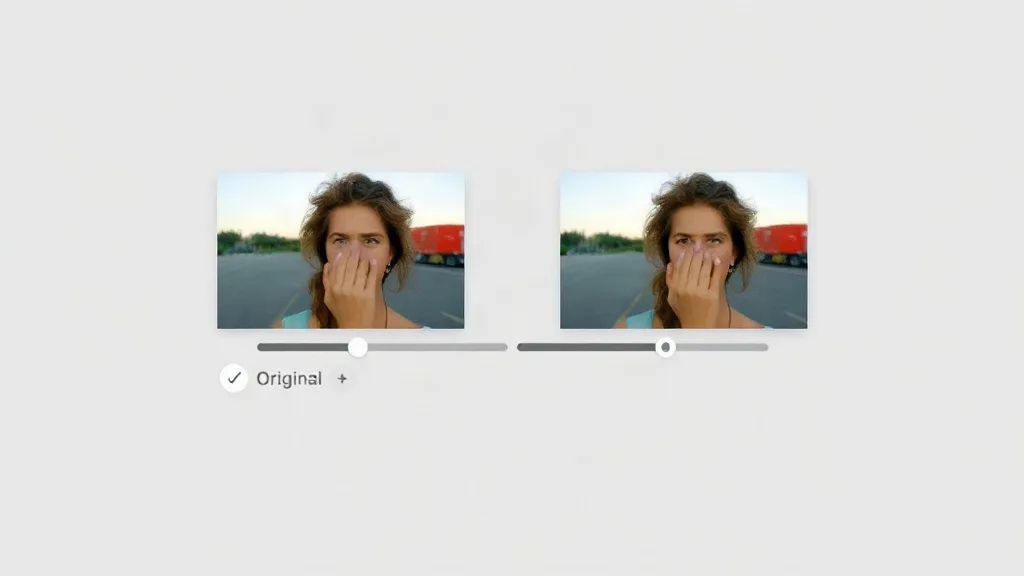
- Lighting AI: Automatically balances exposure and white balance to ensure consistent lighting across a batch of images.
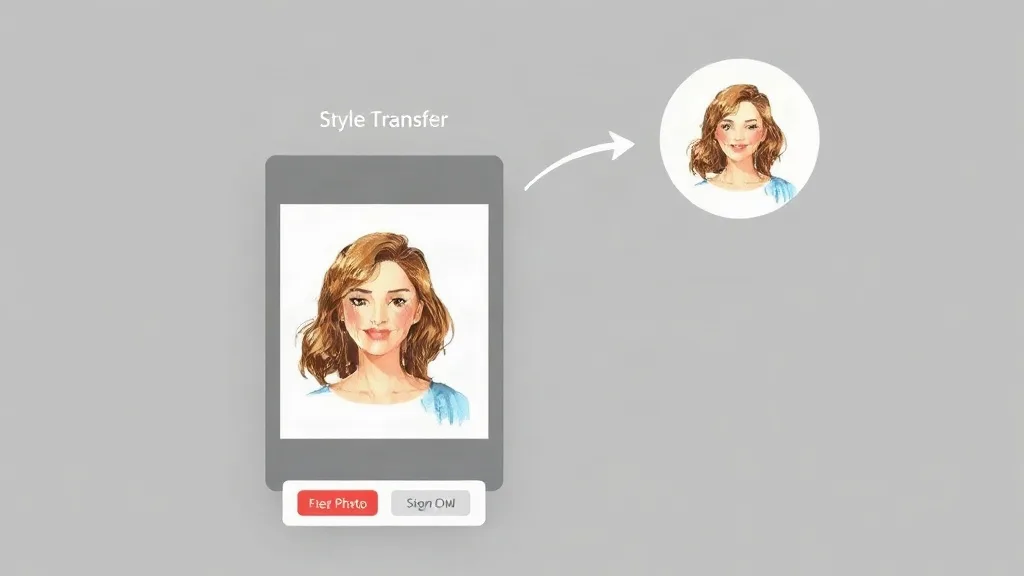
- Style Transfer: Apply artistic effects (watercolor, sketch, oil painting) without losing the core identity of the subject.
Privacy First
Your images are processed in memory and are automatically deleted from our servers after 24 hours. We do not train our models on user-uploaded data. You remain the sole owner of your content.
Pro Tips for Better Results
While PixelPro is designed to be user-friendly, a few tips can maximize your output quality:
Lighting Matters
Even though our AI can correct lighting, starting with a well-lit source image yields the best results. Avoid heavy shadows in the source file if you intend to keep the subject in focus.
Clean Backgrounds
If you are using the Background Removal feature, a background that is distinct from the subject helps the AI make cleaner cuts. However, our model is robust enough to handle busy backgrounds in most cases.
File Formats
For the highest quality, upload PNG files for images with transparency or complex edges. Use JPG for standard photographs to keep file sizes manageable during upload.
Frequently Asked Questions
Is PixelPro free to use?
Do you store my photos?
What file formats are supported?
Can I use PixelPro for commercial projects?
Does the AI work on low-quality images?
Is there a mobile app?
What is the maximum file size I can upload?
Does PixelPro remove watermarks?
Ready to enhance your next project? Start processing now. PixelPro is free to try with limited daily credits.